 FeraEye



- Step 1
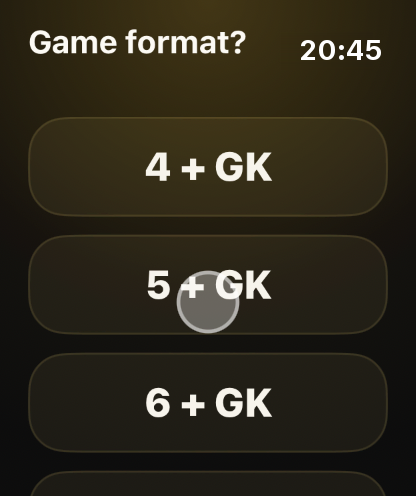
Before the game, open FeraEye on your watch.
- Step 2
Start on the watch: pick the game format.
Open FeraEye on your watch, pick a format and tap Start. Your phone stays in the bag.
- Step 3
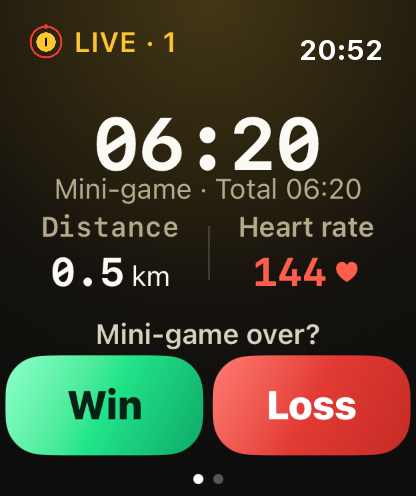
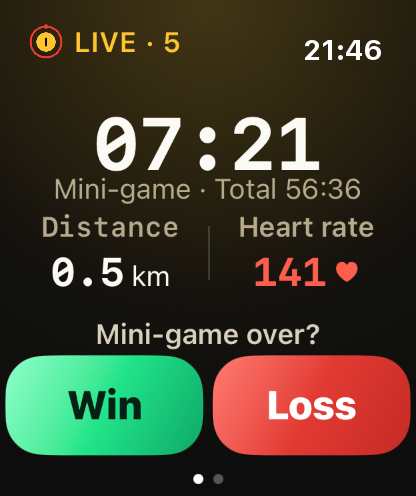
The watch counts each mini-game.
The watch records on its own: time, heart rate, distance and sprints (runs above 18 km/h). You just play.
- Step 4
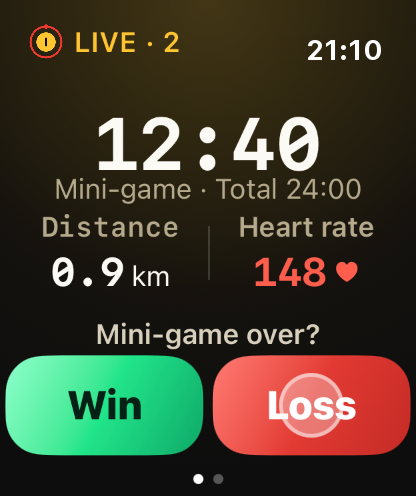
Lost the mini-game? Tap “Loss” once.
- Step 5
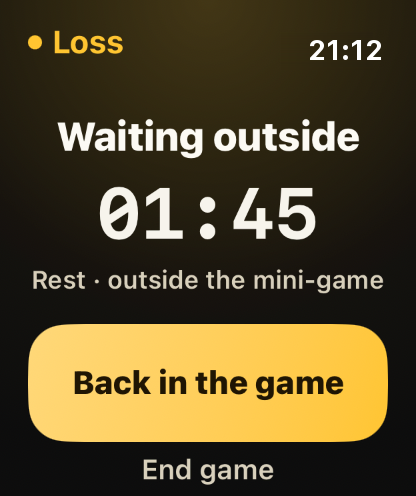
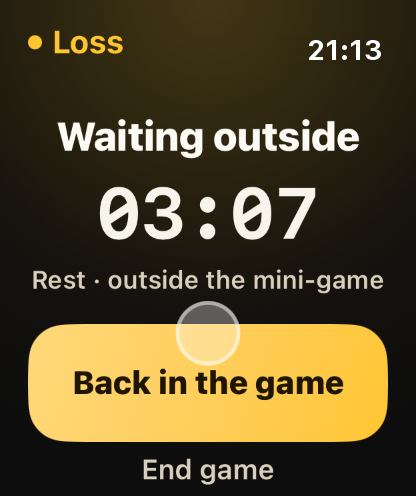
Waiting outside: this time stays out of the count.
On the sideline? Rest time stays out of the count. One tap and you're back on.
- Step 6
One tap puts you back on the pitch.
- Step 7
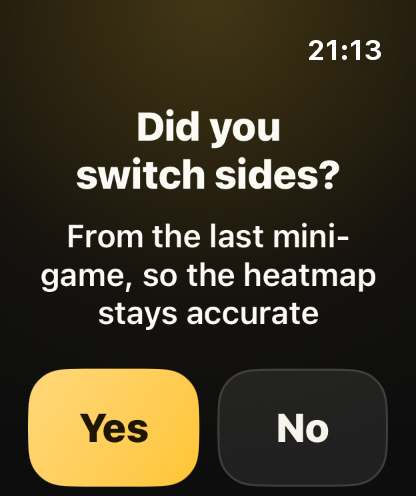
The watch asks if you switched sides, to know where you attacked.
- Step 8
Tap “Yes” and play the next mini-game.
- Step 9
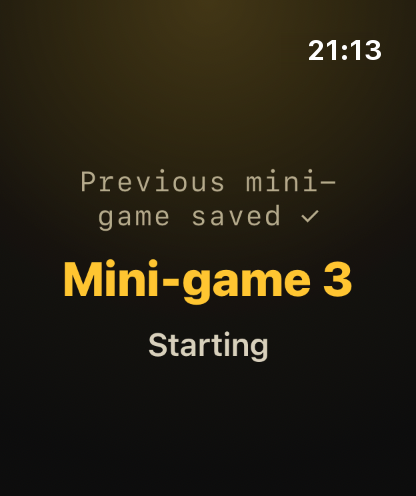
The game goes on, mini-game after mini-game.
- Step 10
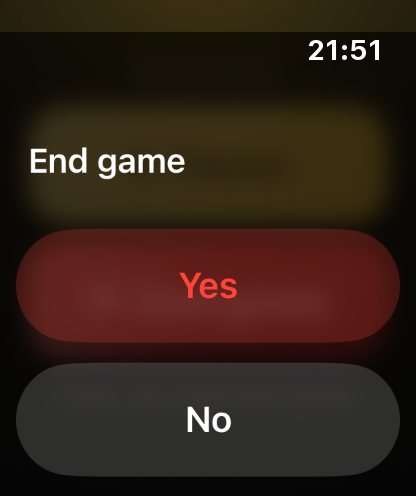
Done? Tap “End game”.
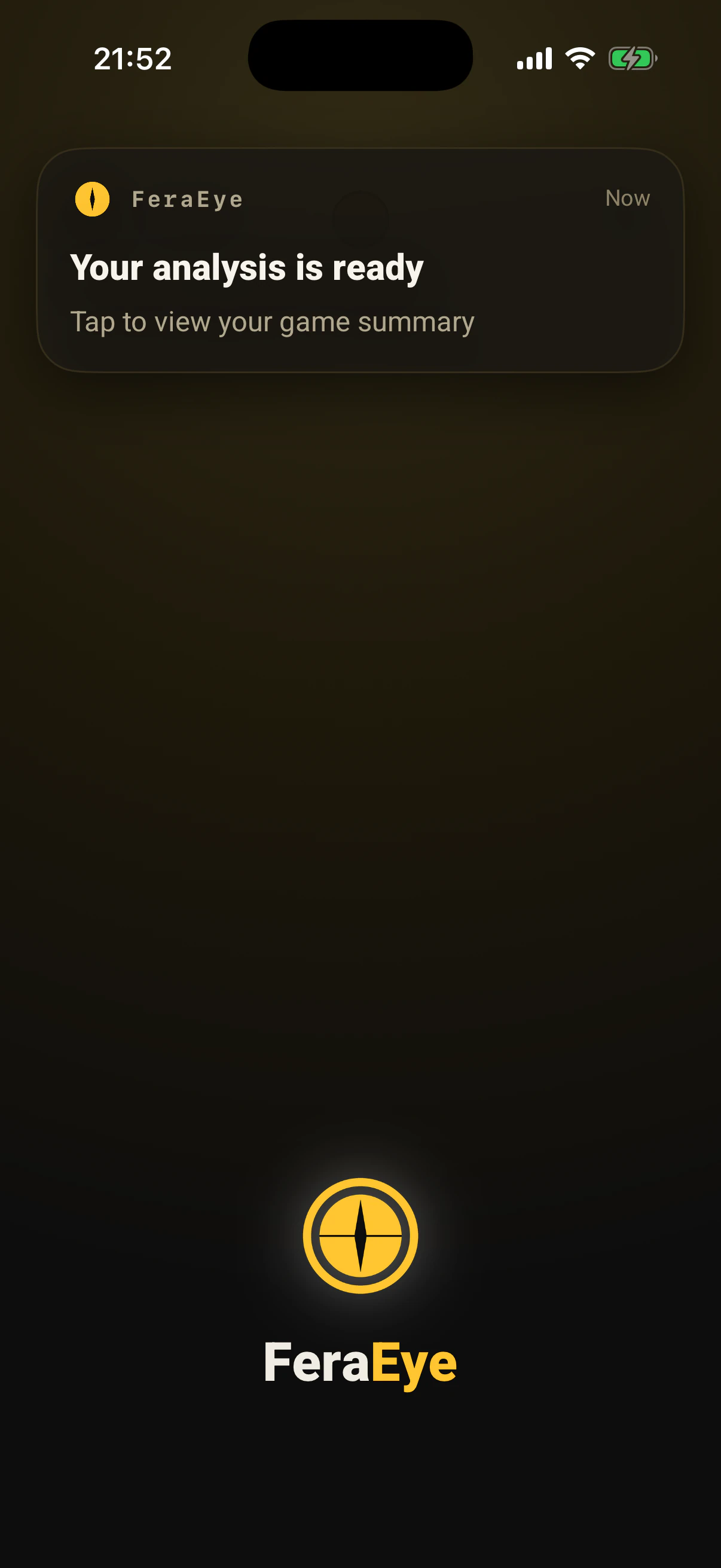
Tap “End game”. Moments later the notification arrives: the analysis is ready.
- Step 11
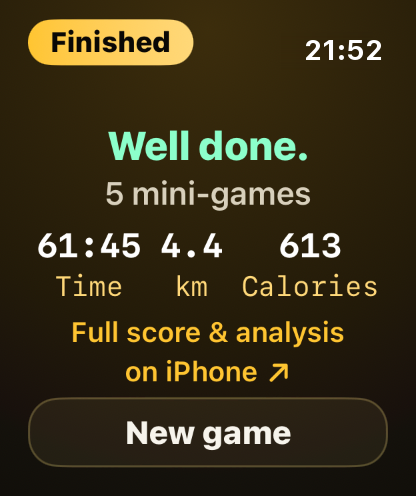
The watch shows a short summary, and the full analysis goes to your iPhone.
- Step 12
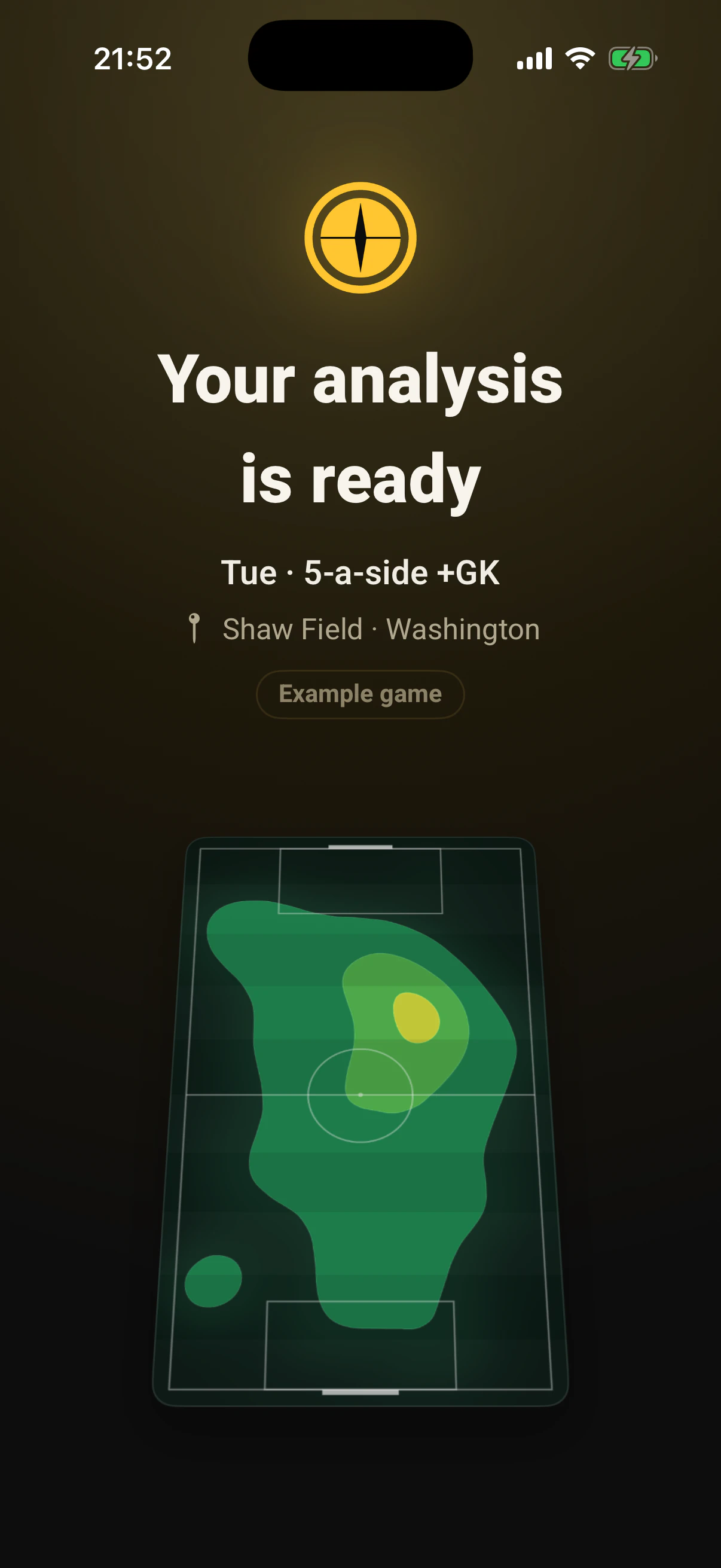
Moments later a notification arrives: the analysis is ready.
- Step 13
The heatmap of the whole game paints onto the pitch.
- Step 14
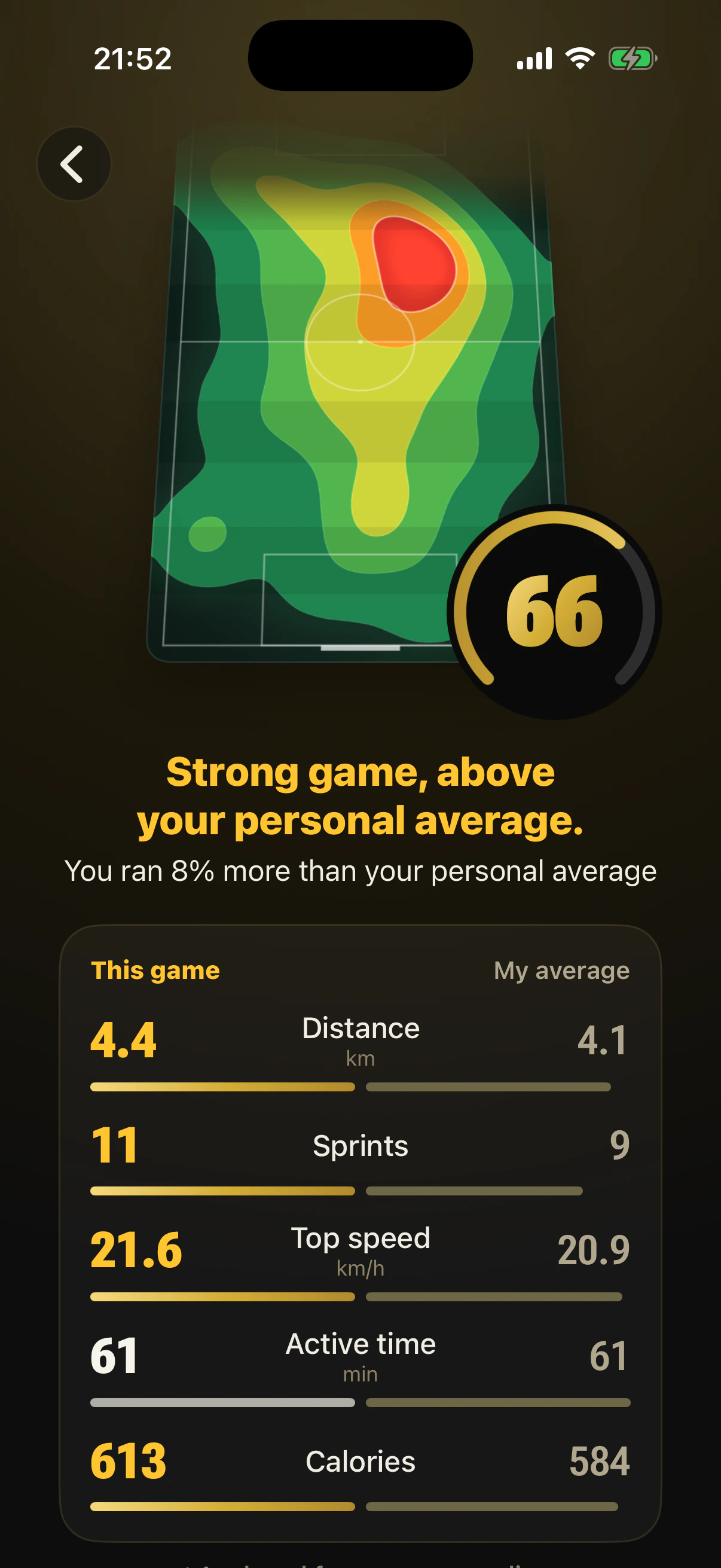
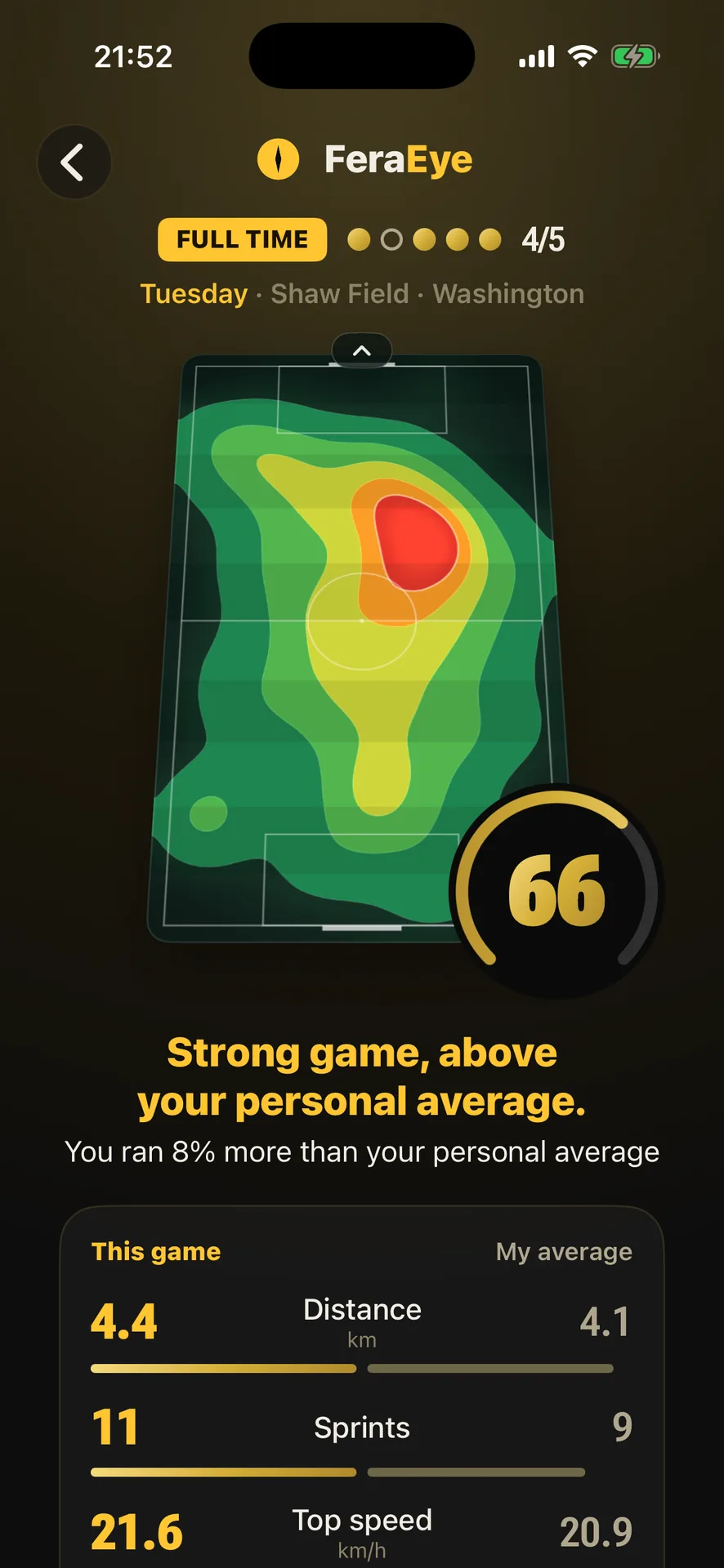
See the game score against your personal average, with km, sprints and top speed.
The whole game's heatmap, a score from 0 to 100, every number against your personal average. Ready for the next game?
- Example game
One game: from the tap on the watch to the heatmap on iPhone.
- Step 15
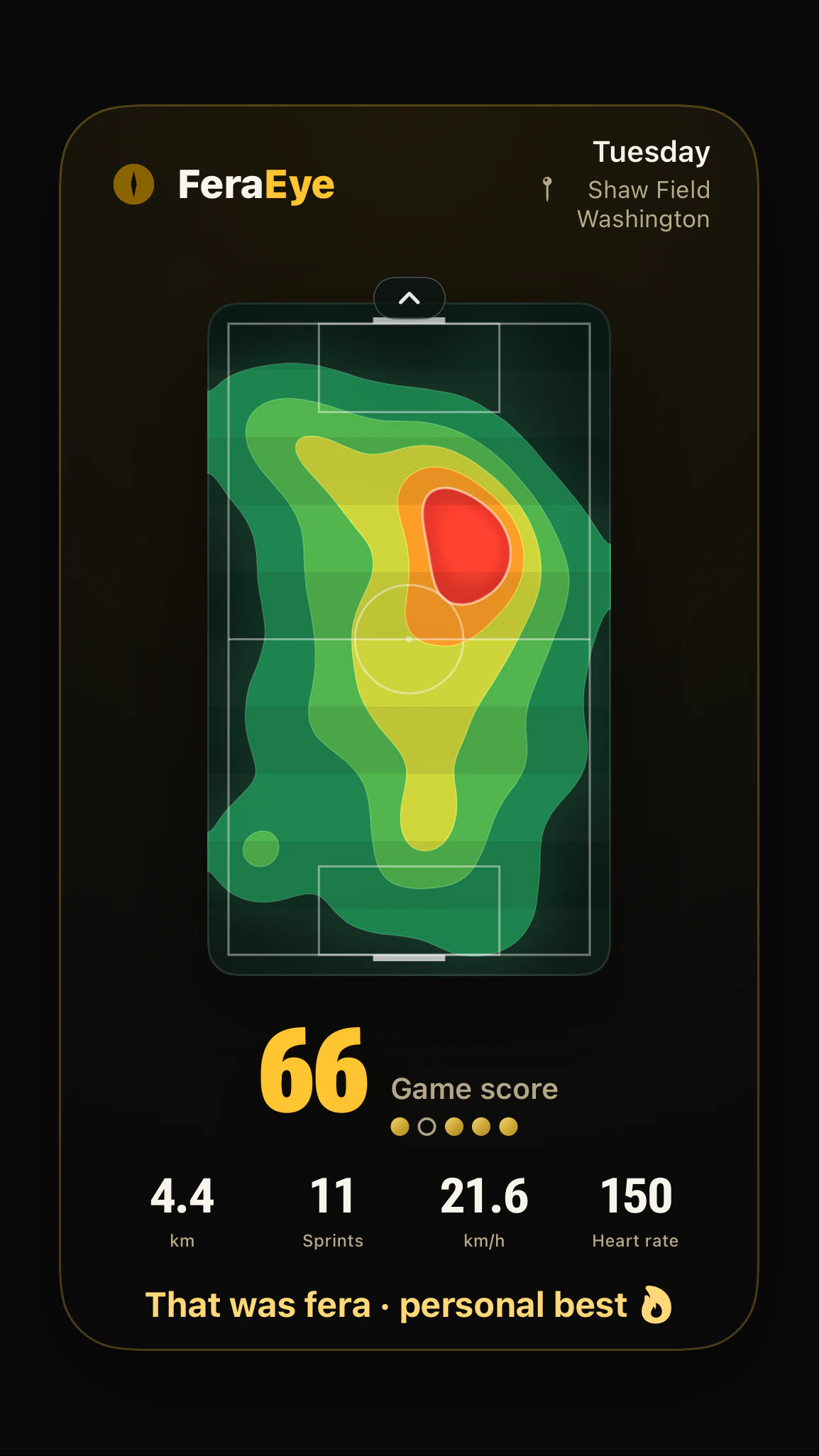
The game card reaches the group, and everyone sees how you played.
